What to do when your iPhone or Android won't turn on, freezes on the boot logo, or experiences sudden battery drain.
A phone that won't turn on is one of the most stressful failures a customer can bring us. Before you panic, there are a few safe checks you can do at home. First, try a long-press of the power button for 15–20 seconds — this forces a hard reset on most iPhones and Androids and resolves many soft-lock issues.
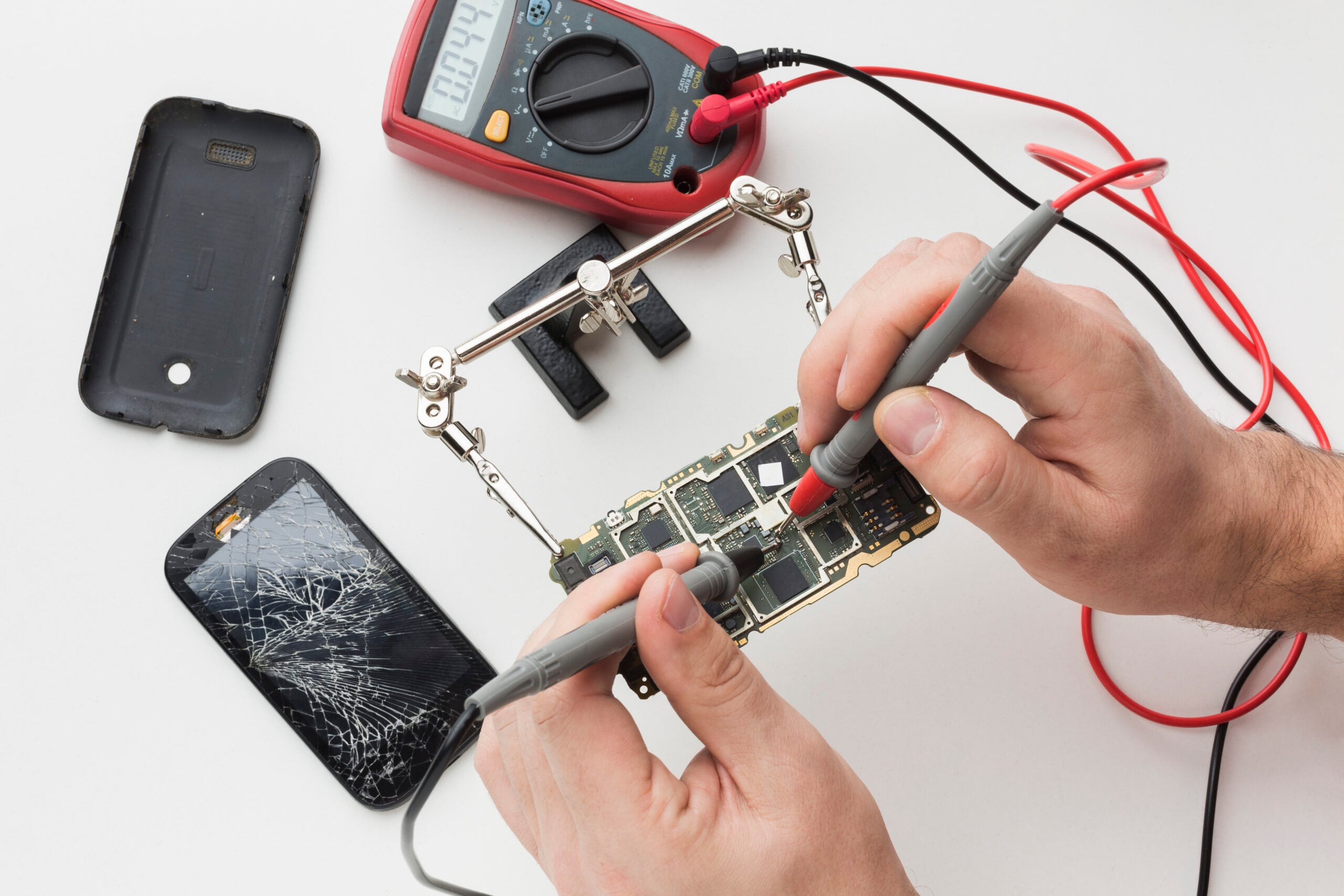
If the phone is stuck on the boot logo, the cause is often a corrupted update or a failing storage chip. A forced restart into recovery mode can sometimes clear it; if not, a board-level diagnostic is the next step. We see this most often after a battery replacement done with low-quality parts.
Sudden battery drain usually points to a swollen or degraded cell, a rogue app, or a failing power-management IC. If the back of the phone is lifting or the phone feels hot while idle, stop using it and bring it in — a swollen battery is a safety issue.
For liquid exposure, power the phone off immediately and don't charge it. Rice does not work; the corrosion begins within hours. An ultrasonic board cleaning at our Plantation store gives the best chance of recovery.