Step-by-step diagnostic breakdown for PS5 HDMI port issues, Xbox thermal fan noise, and Nintendo Switch charging failures.
Game consoles are remarkably durable, but three failure modes account for most of the repairs we see at our Plantation store: damaged HDMI ports, overheating cooling systems, and power-supply faults. This guide walks through how each one is diagnosed and what to expect during a repair.
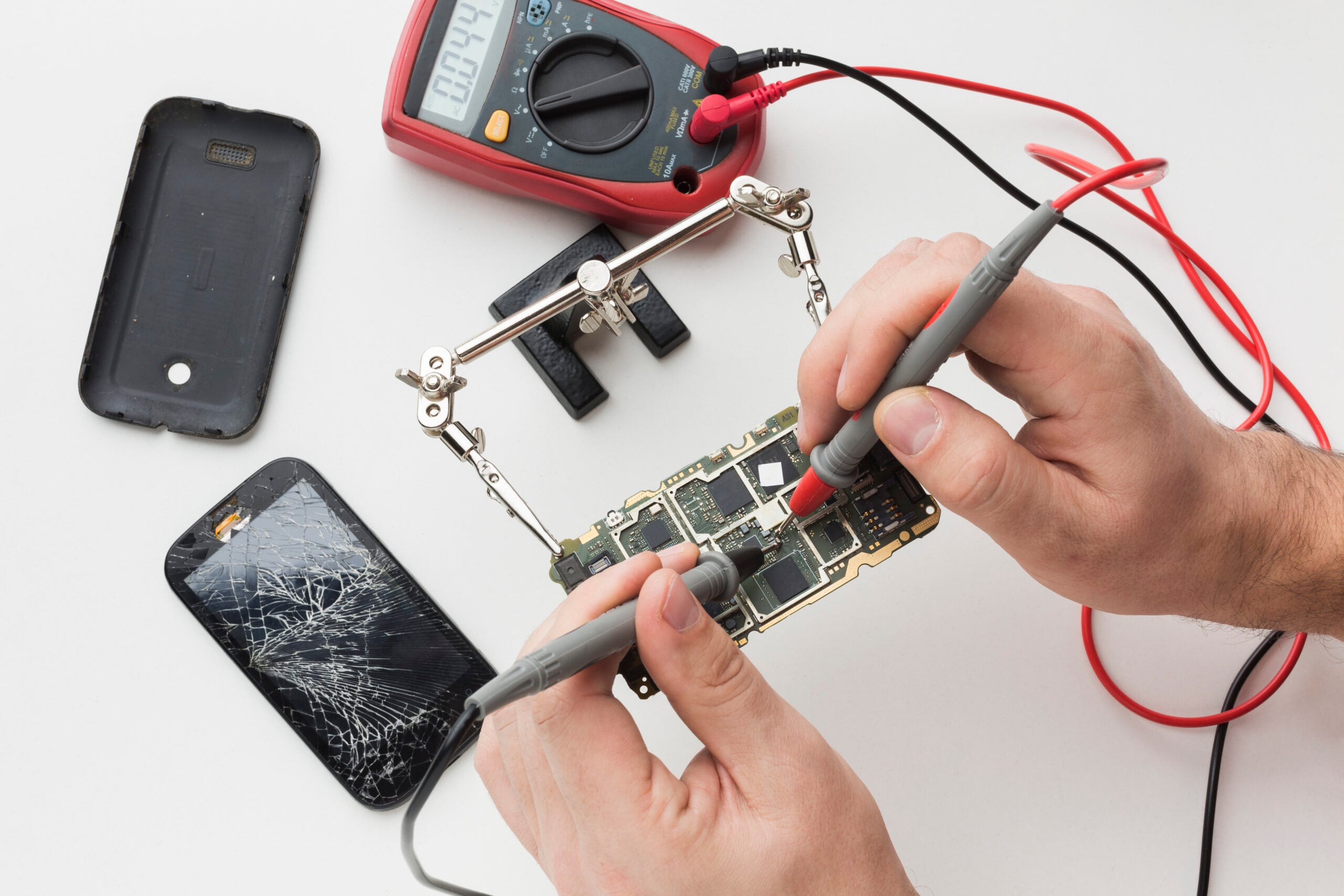
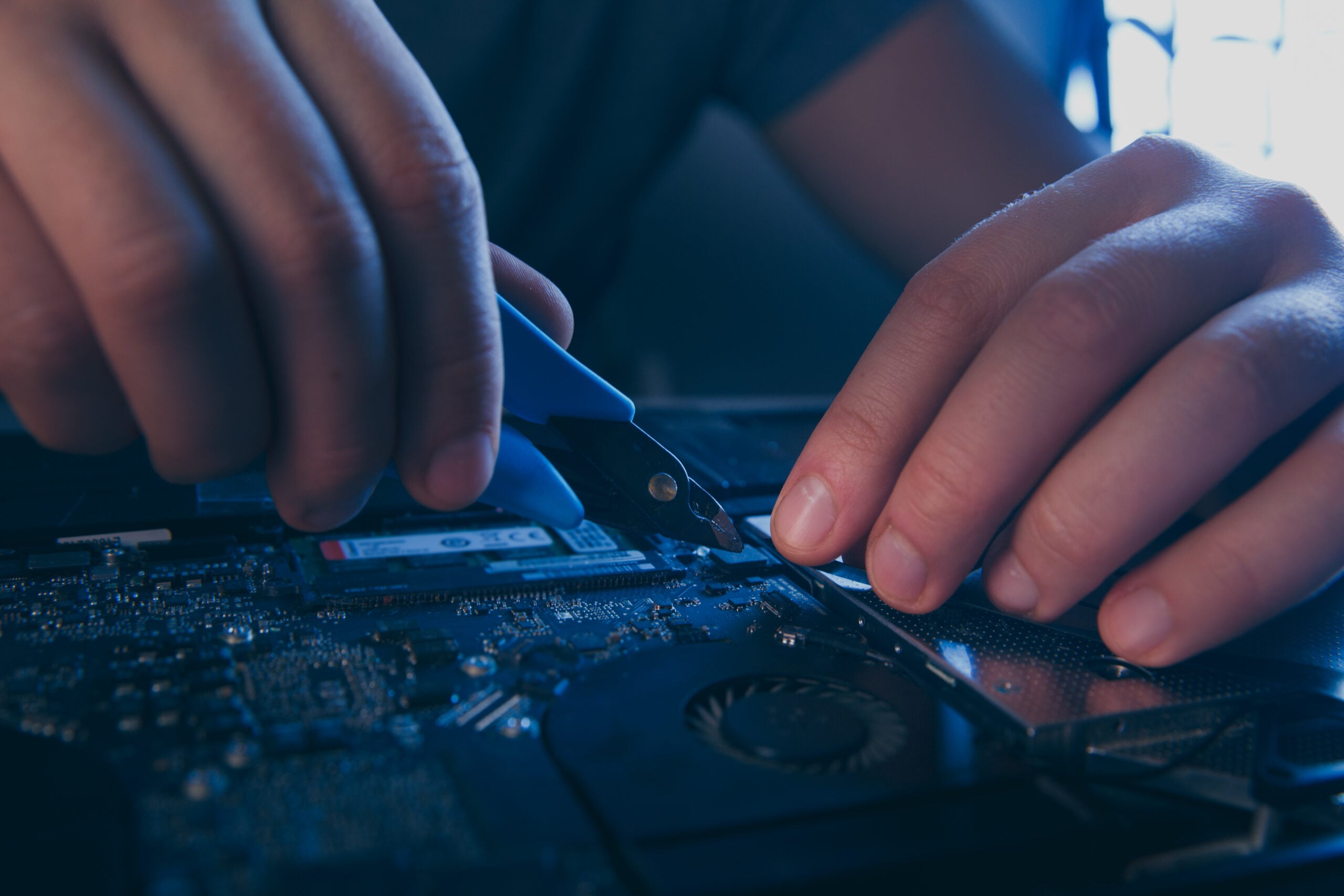
HDMI port damage is the single most common console repair. The port is soldered directly to the motherboard, and a sideways tug on the cable can lift the pads. Symptoms include a flickering picture, no signal, or a loose-feeling port. Repair requires desoldering the old port, repairing any lifted pads, and re-soldering a new port — a job that should only be done with proper hot-air and soldering equipment.
Overheating shows up as loud fan noise, sudden shutdowns, or graphical artifacts. On PS5 and Xbox Series consoles the fix is usually a thermal paste reapplication, fan replacement, and a thorough internal cleaning. On older consoles, the power supply and thermal pads may also need attention.
Power faults range from a console that won't turn on to one that powers off under load. We diagnose these at the board level, checking fuses, MOSFETs, and the power supply board before recommending a repair path. In most cases a component-level fix is far cheaper than a replacement console.